
Skin Changer
Preview cosmetics locally


At a glance
Key capabilities
What Skin Changer focuses on before you open the full module list.
Plus 7 additional modules in the operator portal—see the full list below.
Overview
Browse cosmetics without buying blind
How this build fits ranked, Turbo, and patch-day workflows.
Skin Changer lets you preview outfits, pickaxes and gliders locally in Fortnite—useful for content tests and loadout planning without spending V-Bucks on skins you might not keep.
See the local preview guide for setup and limitations.
Local preview only
Outfits and pickaxes render on your client for testing and thumbnails. Other players see your actual locker, not preview cosmetics.
Standalone utility
Buy Skin Changer alone if you only need cosmetic preview without combat modules from the main cheat suite.
Modules
What's included
Every module and overlay shipped with Skin Changer—toggle and tune in the operator portal.
- Outfit swap preview
- Pickaxe & glider preview
- Back bling browser
- Wrap preview
- Emote preview (local)
- Favorites list
- Loadout export
- Search by set name
Experience
In the client · After you buy
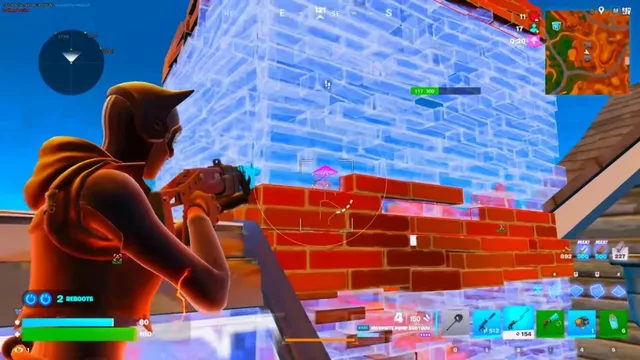
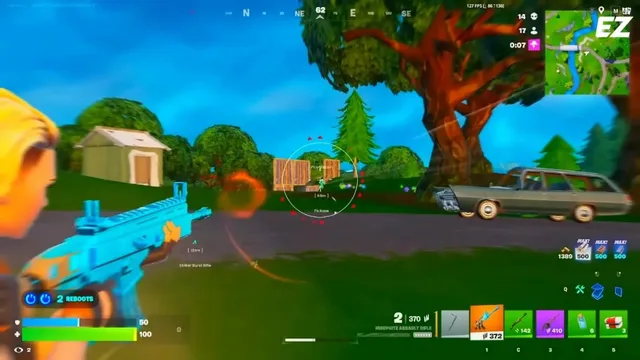
Use the screenshots above for Skin Changer—below is what each layer means and how access works after checkout.
In-game layers
- Layer A
Loot ESP
Weapon and heal labels filtered by rarity for faster loadout decisions.
- Layer B
Player ESP
Skeleton and box ESP with team colors during a mid-game rotate.
- Layer C
Low-light readability
Contrast presets for storm night and indoor shadow zones.
Guides
Learn more about Skin Changer
Curated articles for setup, tuning, and patch-day checks that match this product.
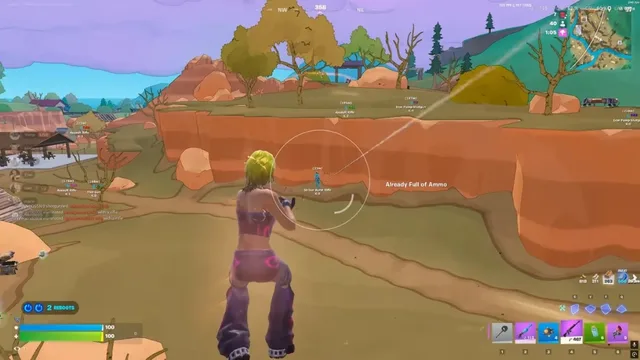
How local cosmetic preview works and what other players actually see in lobby.
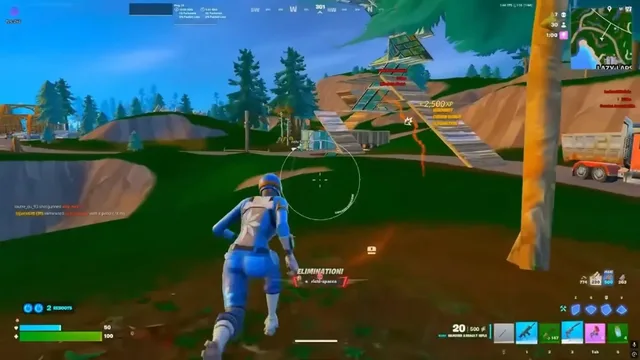
Realistic expectations for ESP, aim assists, EAC risk and how our external suite fits ranked play.
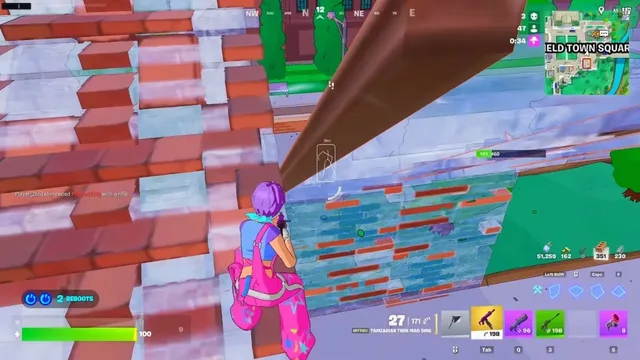
Record a short OBS test and verify overlays stay off your VOD before going live.
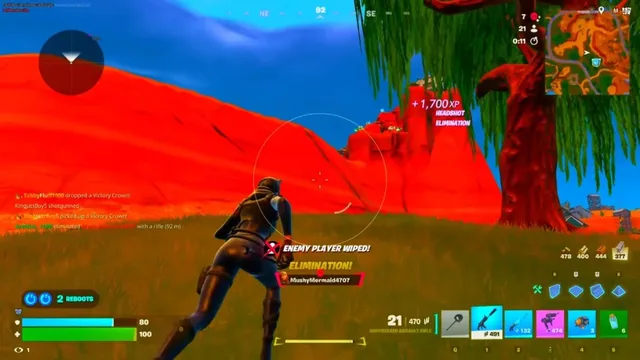
Status banner, loader reload and conservative profiles after Fortnite security updates.
How ranked playlists, divisions and resets work—facts before you tune cheat profiles.
Box vs skeleton ESP, distance caps and color choices that stay readable in endgame.
FAQ
Questions about this page
Answers tied to what you are reading—visit the FAQ page for every topic.